vue3使用vue-codemirror实现nginx配置文件语法高亮
vue-codemirror github
官方各种语言实例
npm install codemirror vue-codemirror --save
<template>
  <el-main>
    <el-row>
      <el-col>
        <codemirror
            v-model="newKey"
            :options="cmsOptions"
            :style="{ height: '400px' }"
            :autofocus="true"
            :extensions="extensions"
            :indent-with-tab="true"
            :tab-size="2"
        >
        </codemirror>
        <el-button type="primary" round @click="NewAddKey">提交</el-button>
      </el-col>
    </el-row>
  </el-main>
</template>

<script lang="ts" setup>
import axios from "axios";
import {ref} from "vue";

// codemirror配置
import { Codemirror } from 'vue-codemirror'
import { StreamLanguage } from '@codemirror/language'
import { nginx } from '@codemirror/legacy-modes/mode/nginx'
import { oneDark } from '@codemirror/theme-one-dark'


interface NewEtcdKey {
  doKey: string
  doValue: string
}

// v-model绑定编辑器的数据
const newKey = ref('');

// vue-codemirros 的扩展配置
const extensions = [StreamLanguage.define(nginx), oneDark]

// vue-codemirros 配置项目
const cmsOptions = {
  indentWithTabs: true,
  smartIndent: true,
  lineNumbers: true,
  matchBrackets: true,
  styleActiveLine: true,
  cursorHeight:1, // 光标高度
  autoRefresh: true,
  mode: "text/x-nginx-conf", // Language mode
}
// 新增数据的function
const NewAddKey = (data:NewEtcdKey) => {
  data = {
    doKey: "/nginx/os-gw",
    doValue: newKey.value
  }
  axios.post("http://localhost:9001/api/etcd/new", data).then(resp =>{
    console.log(resp.data.data)
  })
}

</script>

<style scoped>
</style>
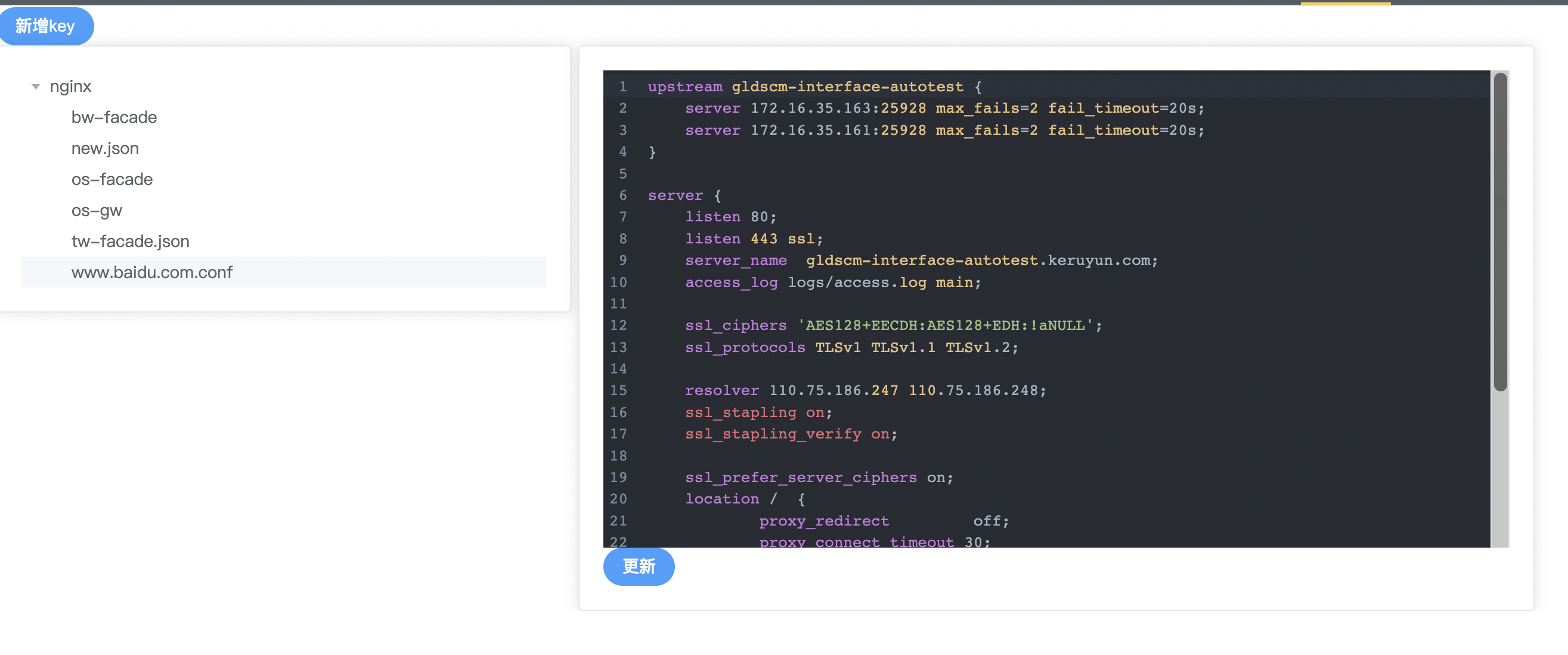
- 最终效果图如下